9 in 1 Children DIY Science Projects Experiment Code Smart Stem Education Robotic Kit for Arduino

Still deciding? Get samples of $ !
Order Sample

Product Description

📋 Basic Information
Model NO.
160509
Age Range
8 to 13 Years
Product Name
9-in-1 Science Kit
Feature
Building Blocks
Application
Playing and Teaching
Wiring Method
Rj11
HS Code
90230090
Capacity
10000 pieces/Year
📦 Packaging & Delivery
Package Size
49.00cm * 34.00cm * 21.00cm
Gross Weight
7.000kg
Lead Time
7 days (1 - 100 Sets)
9 in 1 Science Kit
🚀 Product Description

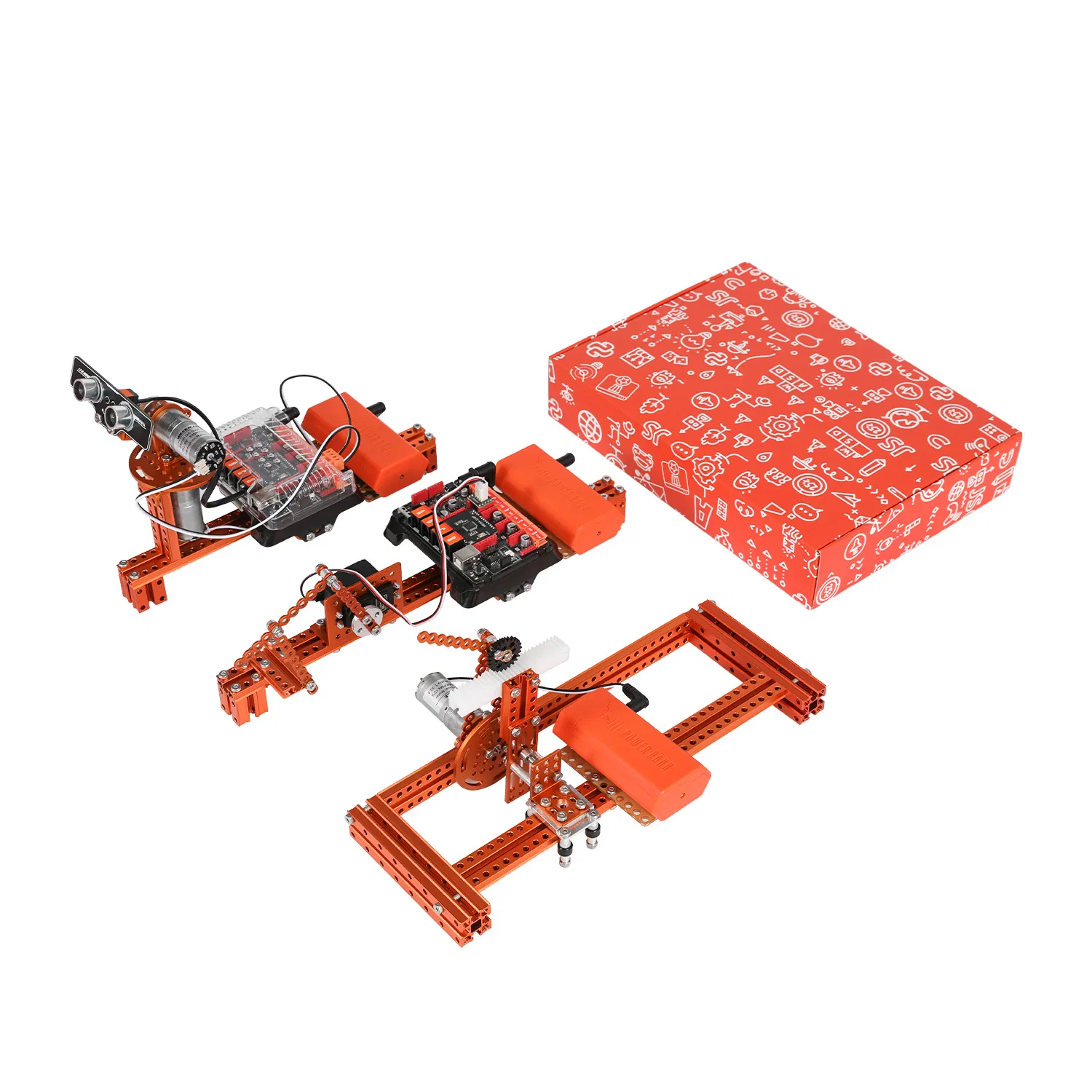
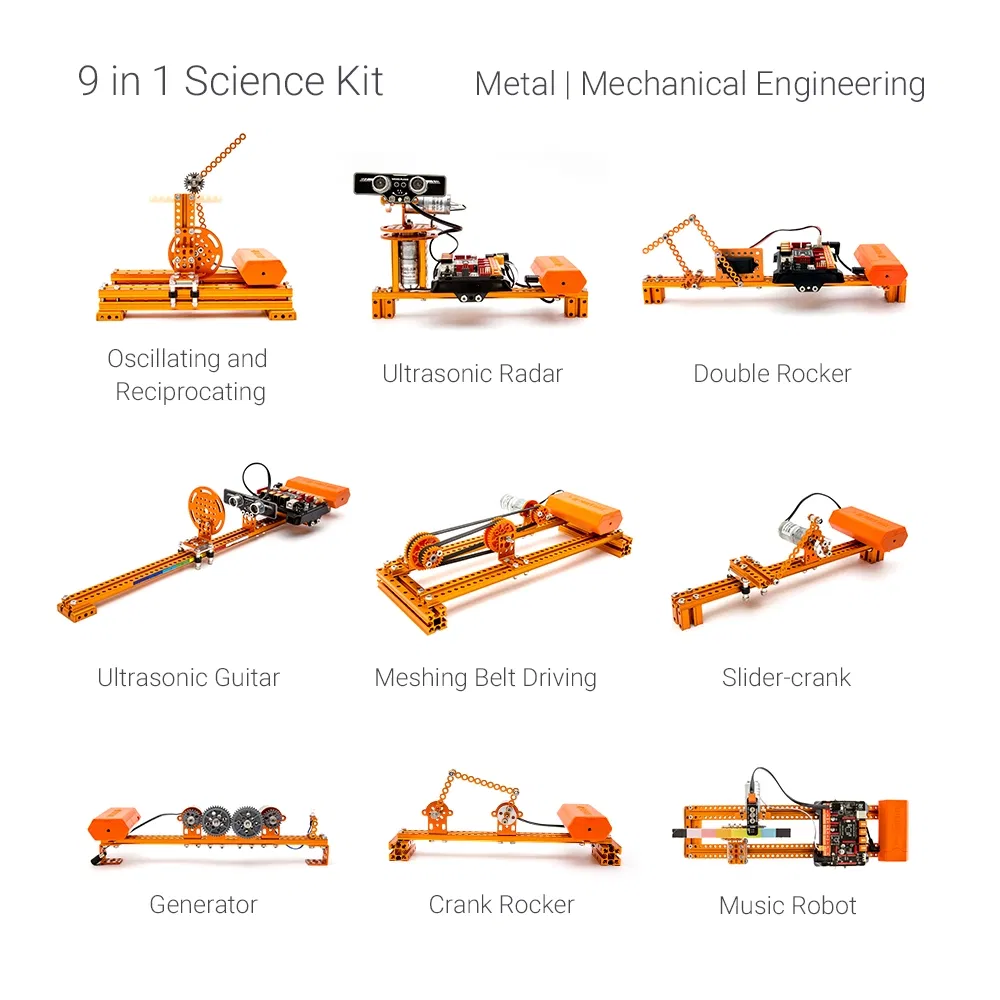
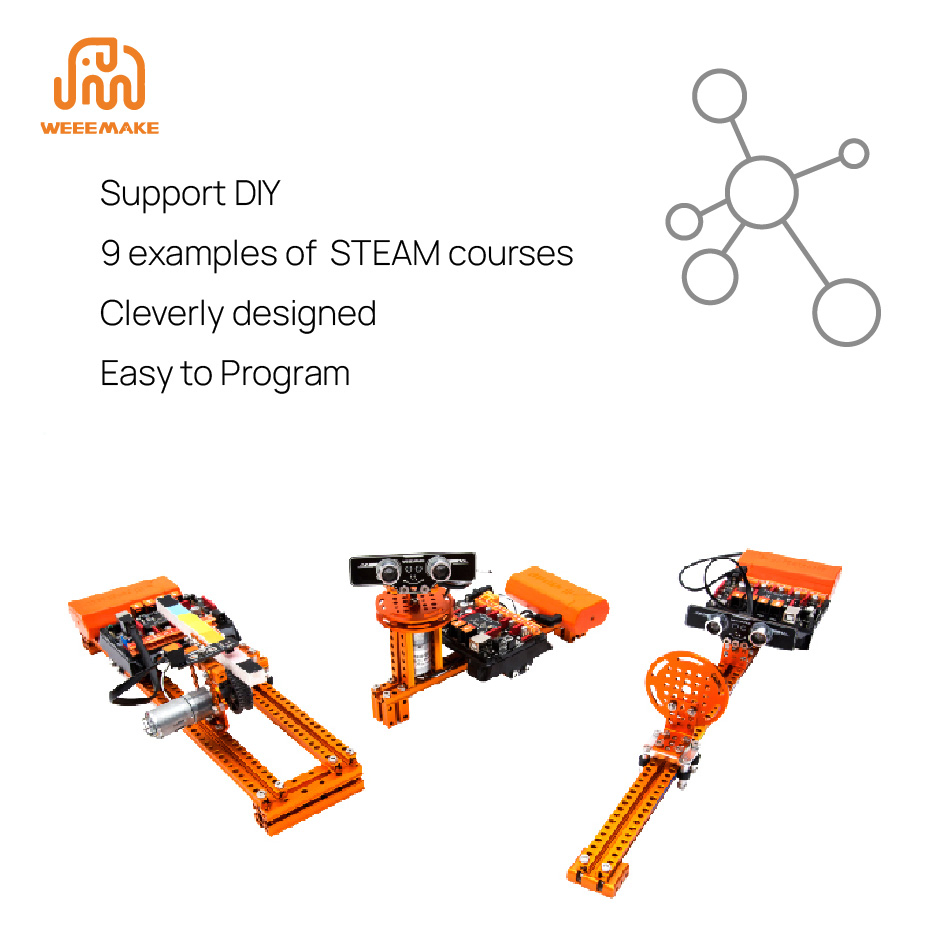
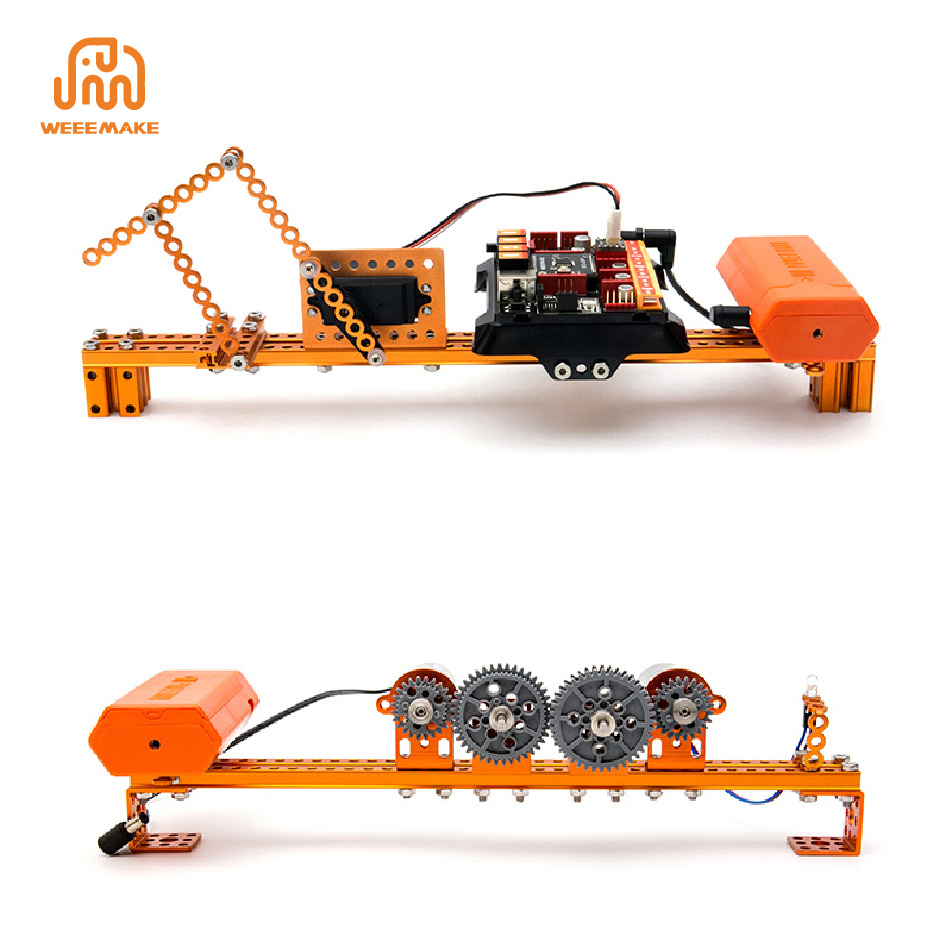
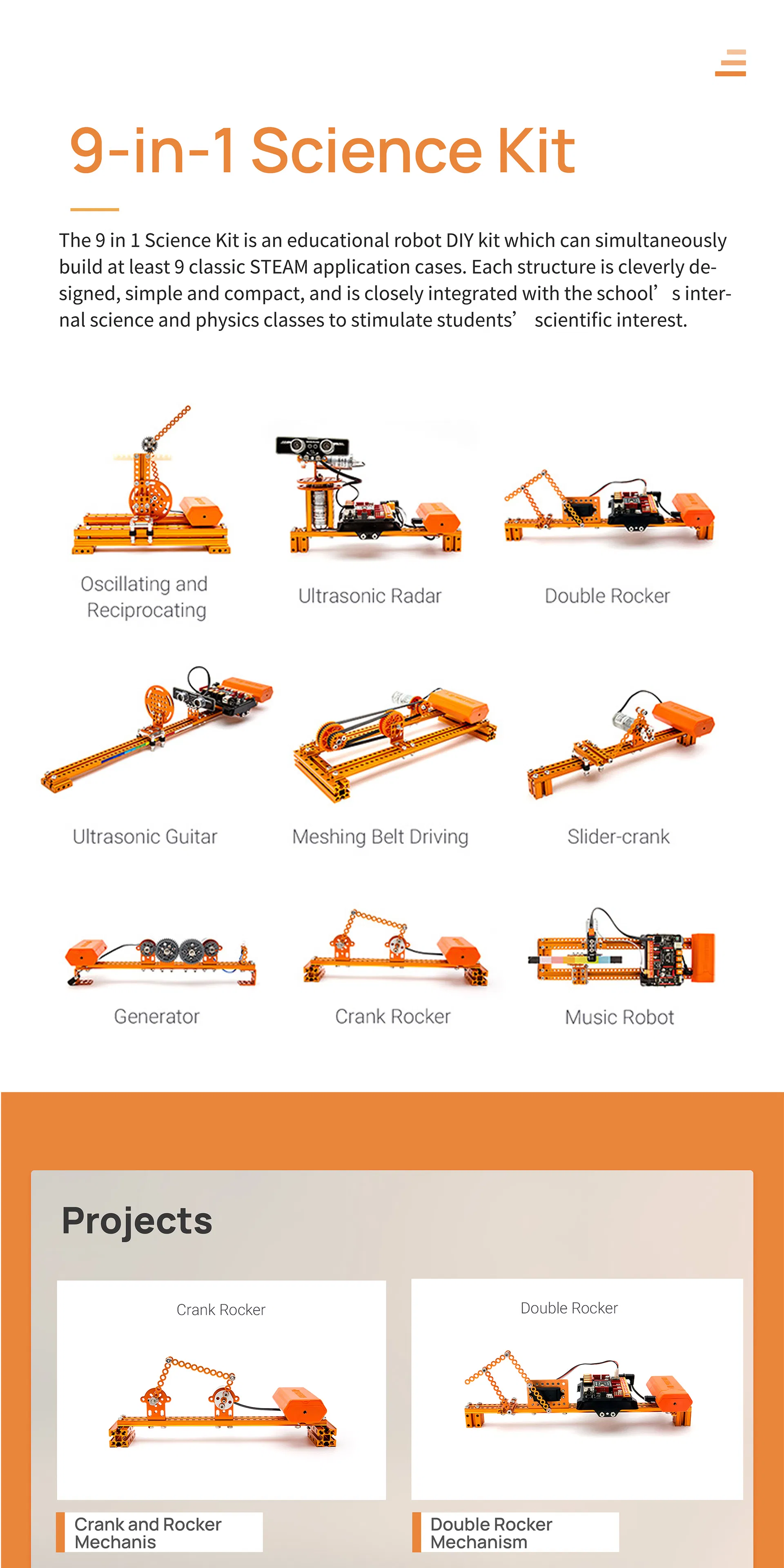
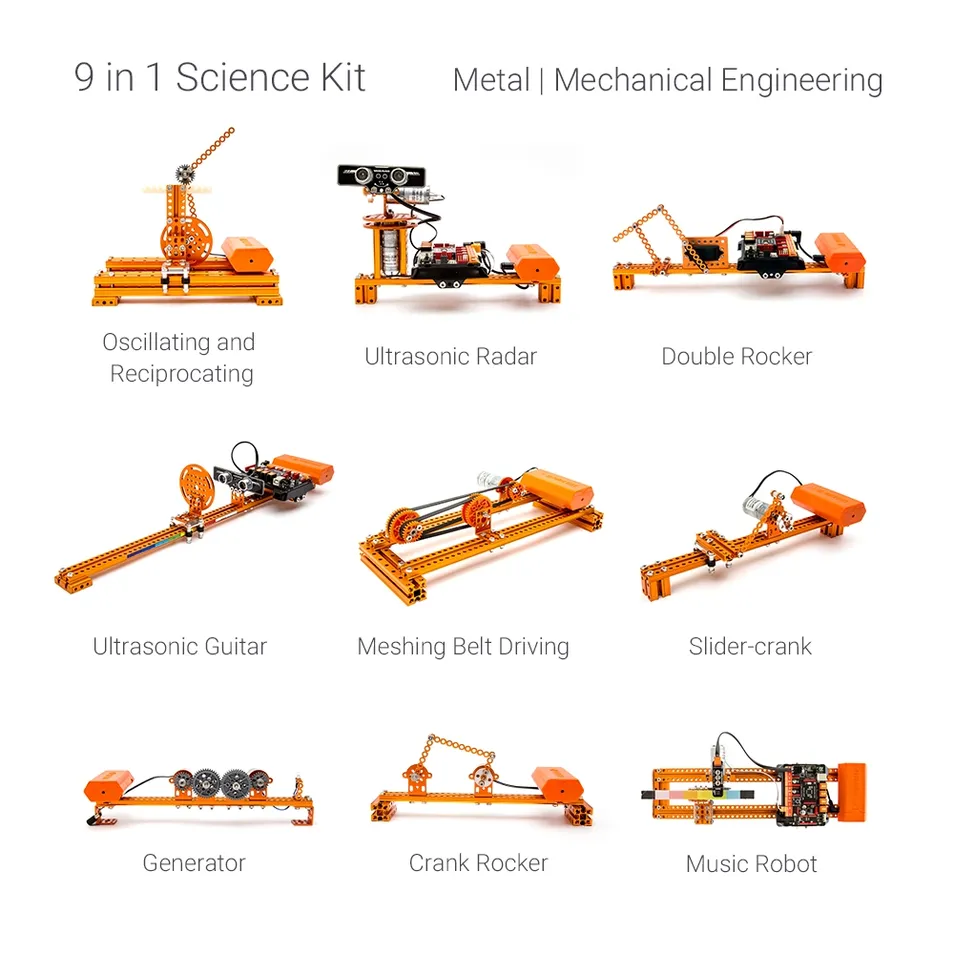
The 9 in 1 Science Kit is an educational robot DIY kit which can simultaneously build at least 9 classic STEAM application cases. Each structure is cleverly designed, simple and compact, and is closely integrated with science and physics classes to stimulate students' scientific interest.
9-in-1 Science Kit
Master STEM DIY Kit
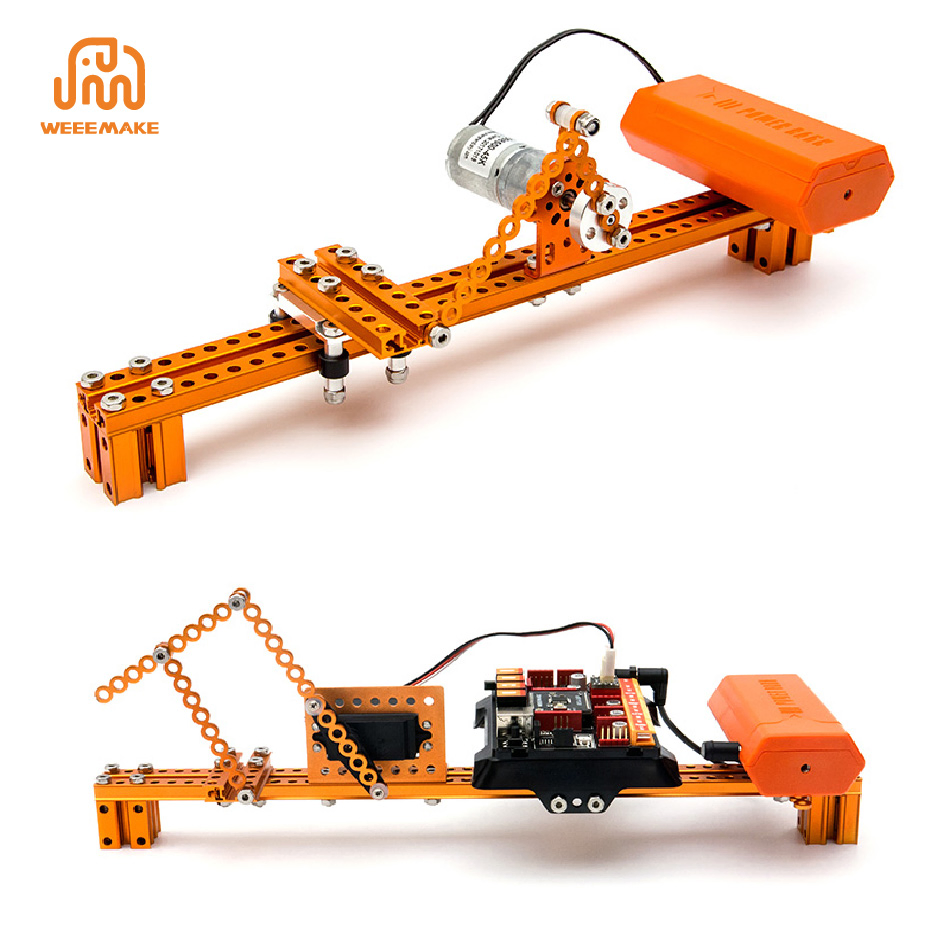
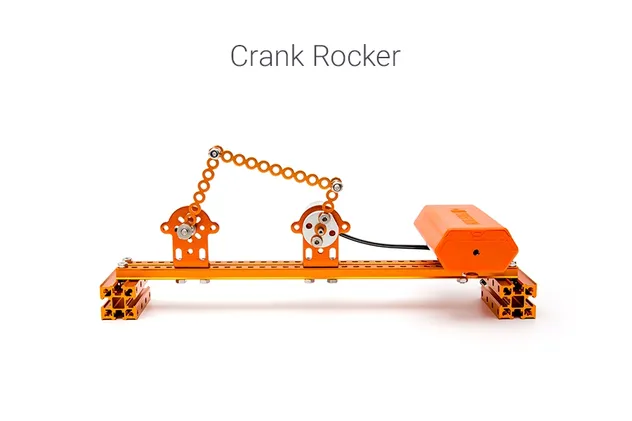
Crank and Rocker
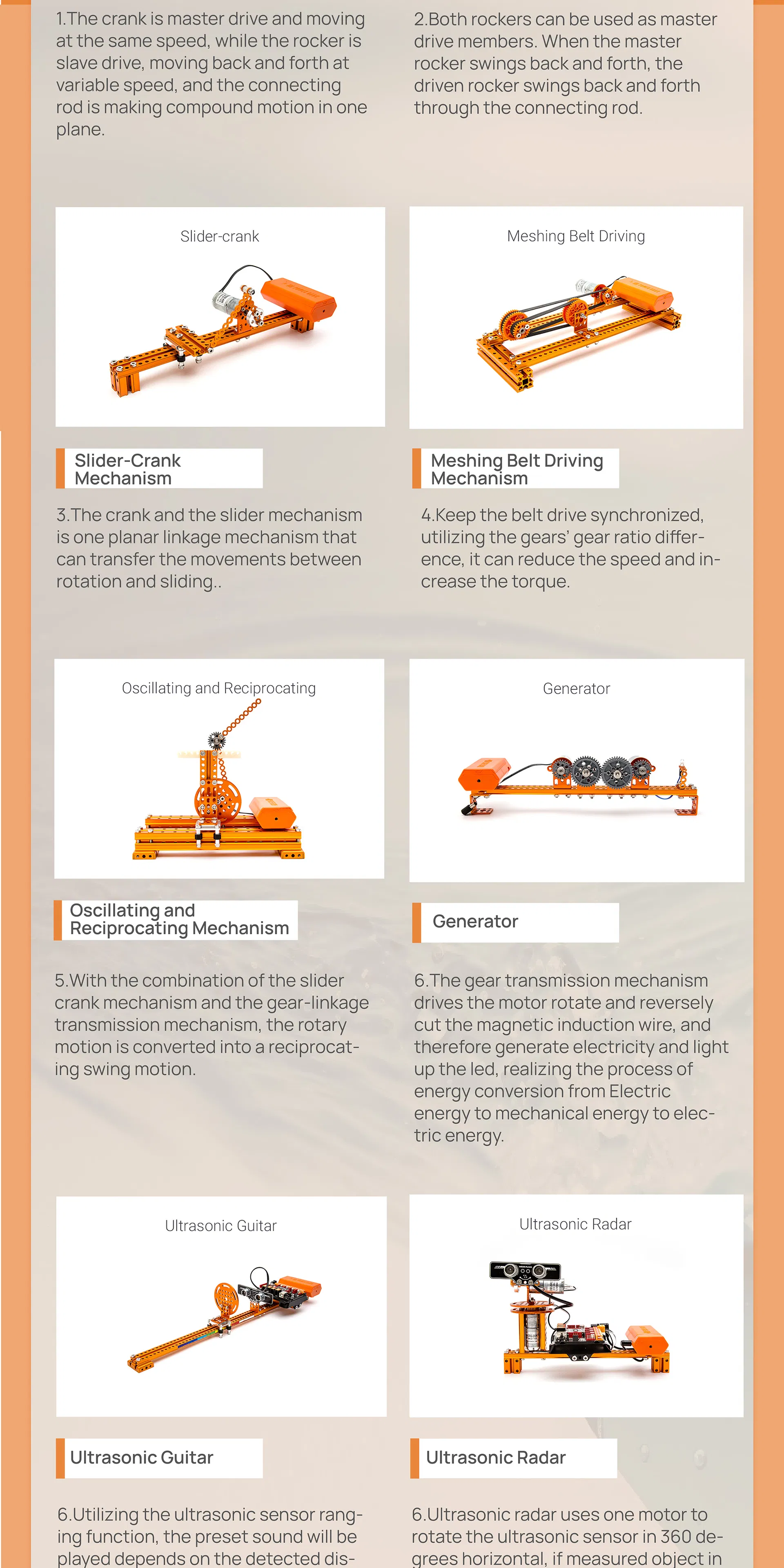
Crank and Rocker Mechanism
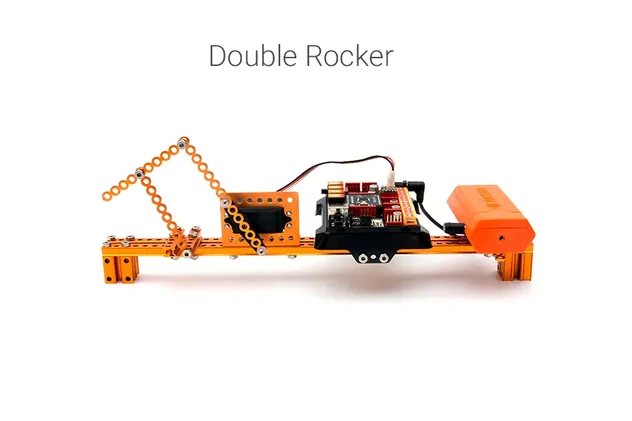
Double Rocker
Double Rocker Mechanism
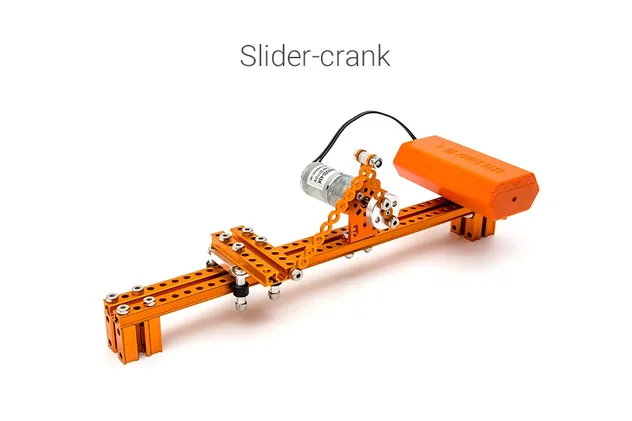
Slider-Crank
Slider-Crank Mechanism
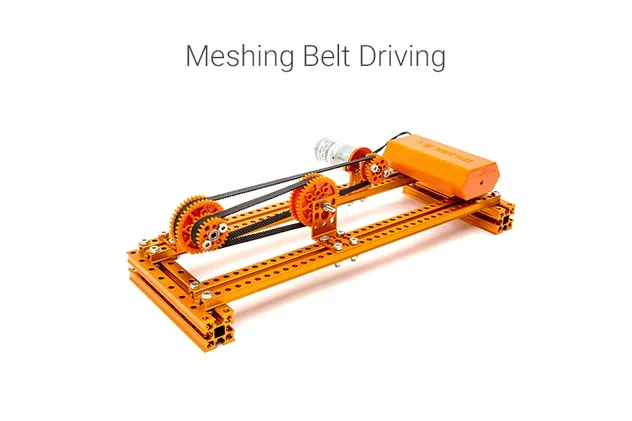
Meshing Belt
Meshing Belt Driving
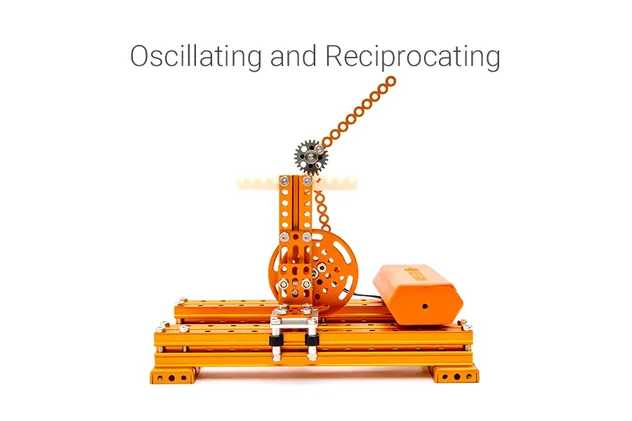
Oscillating
Oscillating & Reciprocating
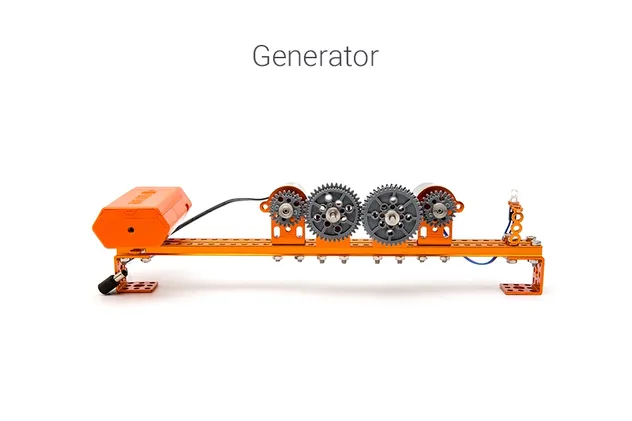
Generator
Energy Conversion Generator
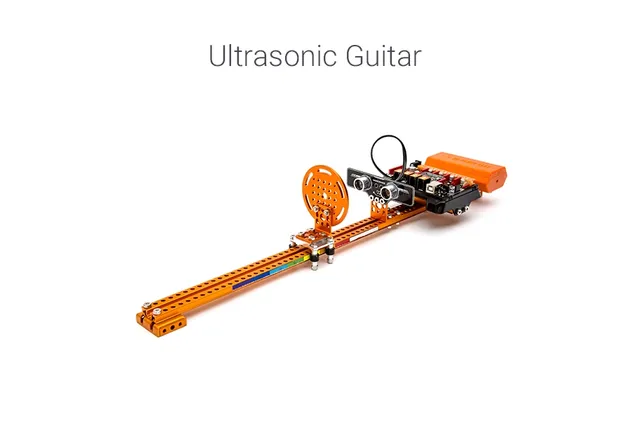
Ultrasonic Guitar
Ultrasonic Guitar
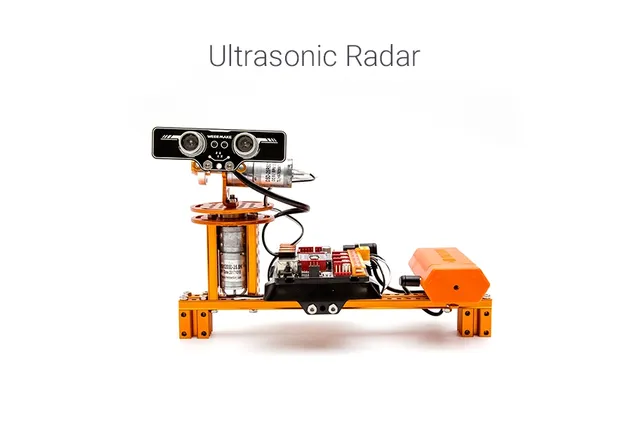
Ultrasonic Radar
Ultrasonic Radar
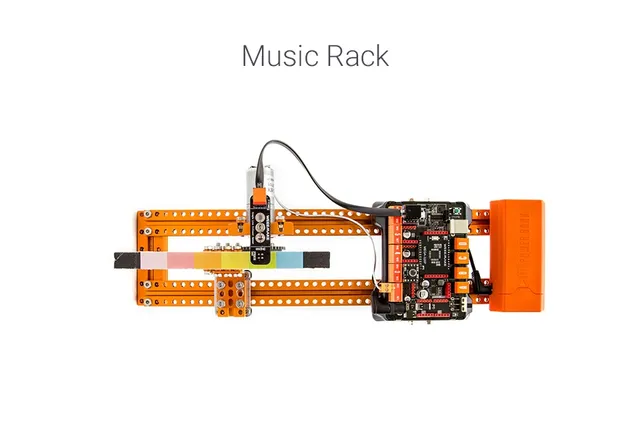
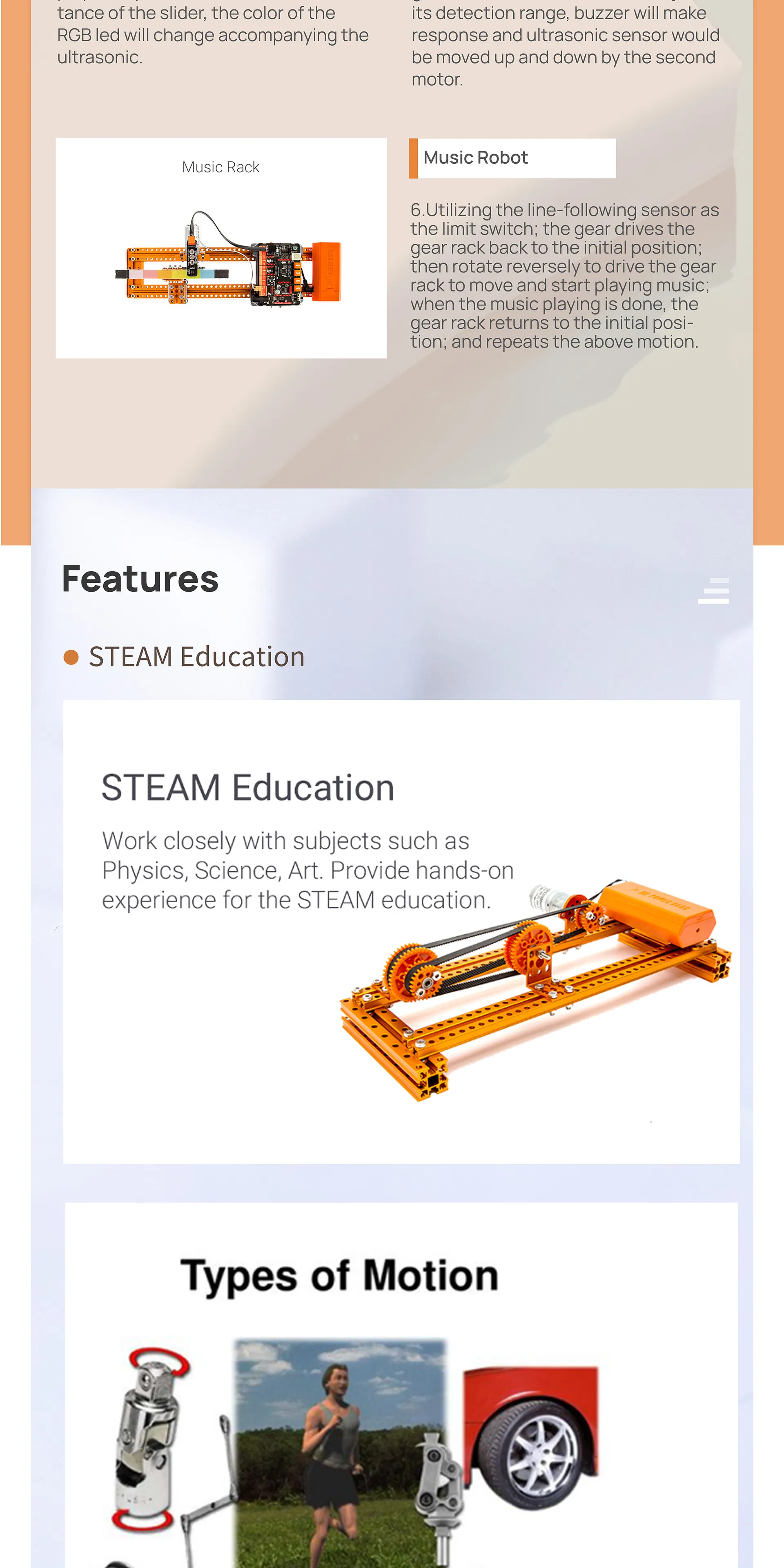
Music Robot
Smart Music Robot
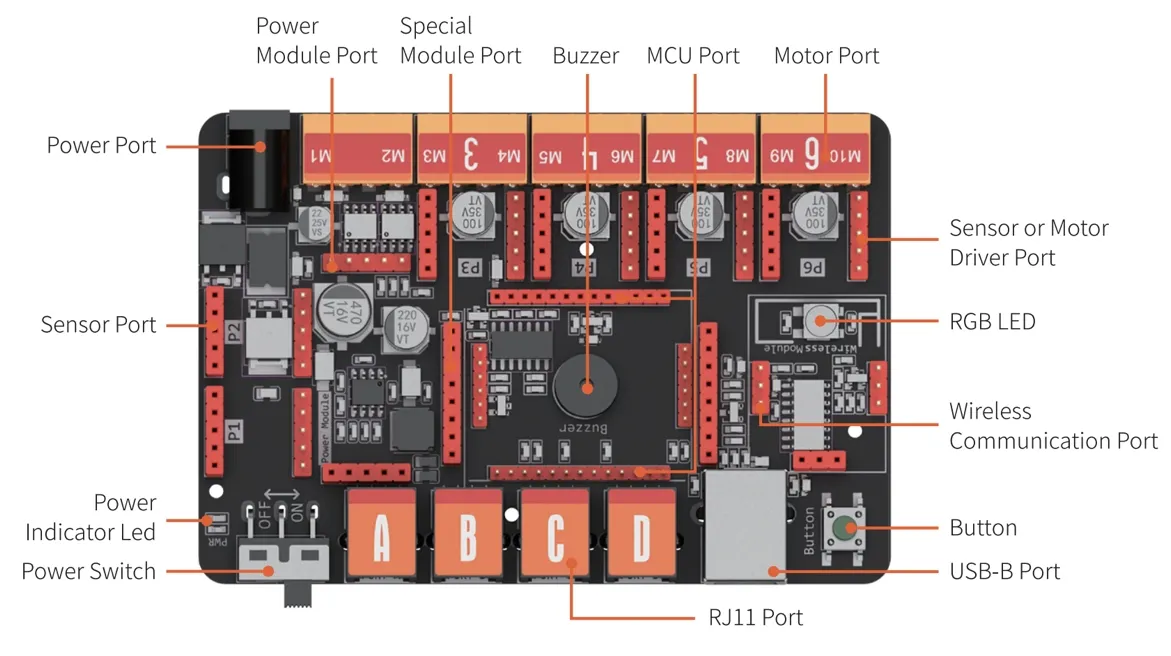
🧠 ELF Mainboard Control
ELF Mainboard

Modular Design: Microchip is replaceable, supporting ATMEGA-328P and ESP32.

Ease of Use: Unified ports for motor drivers and sensors; random wiring compatible with graphical coding and Arduino.

Key Features
🛠️ Easy to Build

Step-by-step animation instructions.

⚙️ 9 Classic Mechanisms

Diverse motor types for mechanical study.

🔌 Limitless Extension

Compatible with multiple electronics platforms.

💻 Visual Programming

Drag & drop blocks to control movements.

📊 Technical Specification
Microchip ATmega 328P / ESP32
Input Ports 4 x RJ11 (Sensors & Modules)
Motor Ports 2 x DC motor ports + 6 x pin conversion ports
Communication USB Port, Bluetooth 2.4G
Onboard 1x Buzzer, 1x Button, 1x RGB LED
Software WeeeCode (Scratch 3.0), Arduino IDE
🏅 Quality & Exhibition
Manual 1
Manual 2
Manual 3
Company Banner
Certificates
Exhibition
Frequently Asked Questions
When I turn on the robot, there is no response. Why?
Check for low voltage and recharge or replace batteries. Ensure batteries are installed with correct polarity (+/-) and verify the wiring on the battery holder or motor.
When I control the robot to move forward, it moves backwards. How can I fix this?
The wiring of the motor is connected in reverse. Simply swap the motor connection wires to correct the direction.
How do I program my robot or restore factory settings?
Download the official coding software, connect the robot to your PC via USB, select the correct COM port and mainboard type. Use the "Restore Firmware" menu to either live-test programs or resume factory settings.
Why can't the robot move when using only USB power?
USB power only supports the mainboard chip and sensors. To drive high-power components like motors or servos, you must connect batteries and switch on the power button.
Why doesn't the Line-following Sensor work correctly?
Ensure the sensor is 1-2cm from the map. Avoid using it under strong light which interferes with infrared signals, and ensure your map material is non-reflective.
Can I customize the robot for specific projects?
Yes, customization services including OEM and ODM solutions are available for professional teaching, training resources, and competition needs.

Related Products